Cloud POS: offline as a fallback
The remote server is the system of record. A limited offline mode covers the gap, and certain features may stop working until the system reconnects.
Offline POS software
Your customer is standing at the counter. Your internet stops working. That shouldn't mean your entire POS becomes unusable.
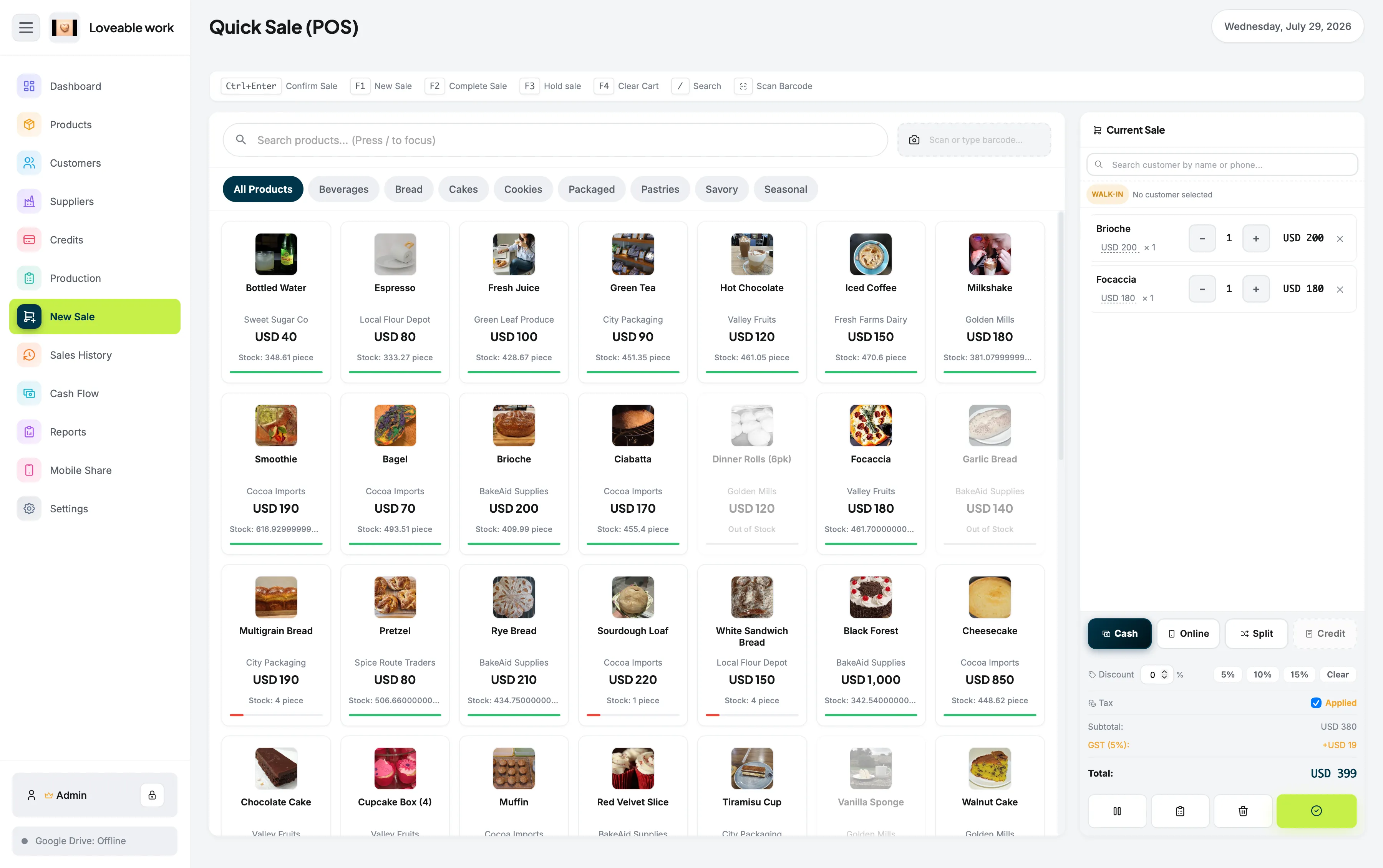
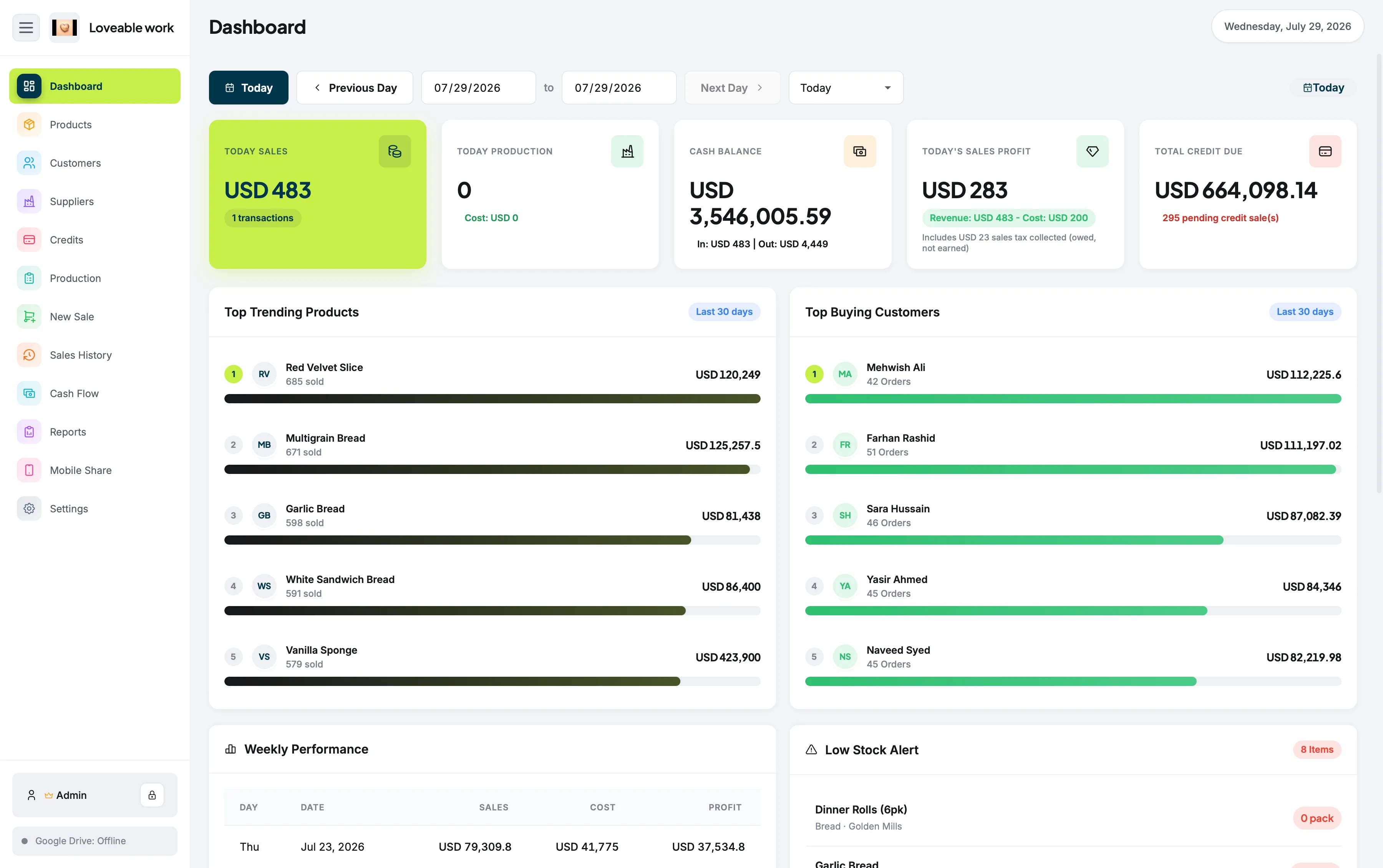
Restockly POS is offline-first POS software designed to keep essential retail operations available on your computer without requiring a continuous connection to a cloud server.
No cloud account required Runs on Mac and Windows One-time purchase
Definition
Offline POS software is point-of-sale software that can continue handling core store operations without requiring a continuous internet connection.
“Offline” can mean very different things depending on the POS system. Some cloud POS platforms provide a limited offline mode when the connection disappears. Certain features may stop working until the system reconnects.
The remote server is the system of record. A limited offline mode covers the gap, and certain features may stop working until the system reconnects.
Your local computer is the foundation of the POS—not a temporary fallback. Your everyday retail workflow does not have to depend on permanent internet availability.
Local operation
This makes it useful not only during a temporary outage, but also for businesses that intentionally prefer local desktop software.
Where it fits
Cloud software works well when reliable internet is guaranteed. Retail doesn't always have that luxury.
Continue your day-to-day store operations even when connectivity is inconsistent.
Avoid making your core POS dependent on a cloud connection.
Maintain a dedicated store workstation instead of relying entirely on tablets and online dashboards.
Keep core business operations centered on your local device.
The same reasoning is why it suits small retail businesses without backup connections or in-house IT.
Choosing offline software doesn't mean your business can never use the internet. It simply means internet access shouldn't be a requirement for running the store. When connectivity is useful, Restockly POS can provide connected functionality without changing its offline-first foundation.
On a Mac, that local workstation is the machine already sitting on the counter — see POS for Mac. And because it is a one-time purchase, staying offline never costs you access: read POS without monthly fees.
To see how offline-first operation differs from the offline modes larger platforms provide, compare it with Square and Lightspeed Retail, or read our guide to offline POS software for Mac, which compares four different approaches to working without a connection.
Keep reading
Yes. Desktop POS systems can store and process their operational data locally rather than requiring every action to reach a remote server.
Reliability is the main advantage. It can also reduce dependence on cloud services and make the system more suitable for locations with unreliable connectivity.
Its core POS workflow is designed for offline use.
Neither architecture is universally better. Cloud POS is useful for businesses needing extensive synchronization, ecommerce and remote infrastructure. Offline-first POS can be better for businesses prioritizing simplicity, local operation and independence from connectivity.
Restockly POS gives retailers a simpler model: install it, run it locally, keep working.
The free trial is the full app, capped at 5 products and 10 sales. No account, no card.